

Looking for the best Uncanny Automator alternatives in 2026? The right replacement depends less on the number of integrations on a pricing page and more on where your workflows actually run.
If most of your automation begins inside WordPress, a WordPress-native tool such as FlowMattic or AutomatorWP can make more sense. If your workflows connect many cloud apps, OttoKit or Zapier may be a better fit. If your real requirement is CRM synchronization or WooCommerce lifecycle marketing, WP Fusion, FunnelKit Automations, or AutomateWoo solve a more specific problem.
Last verified: August 28, 2026. Pricing and integration counts change frequently, so treat prices below as a current snapshot rather than a permanent promise.
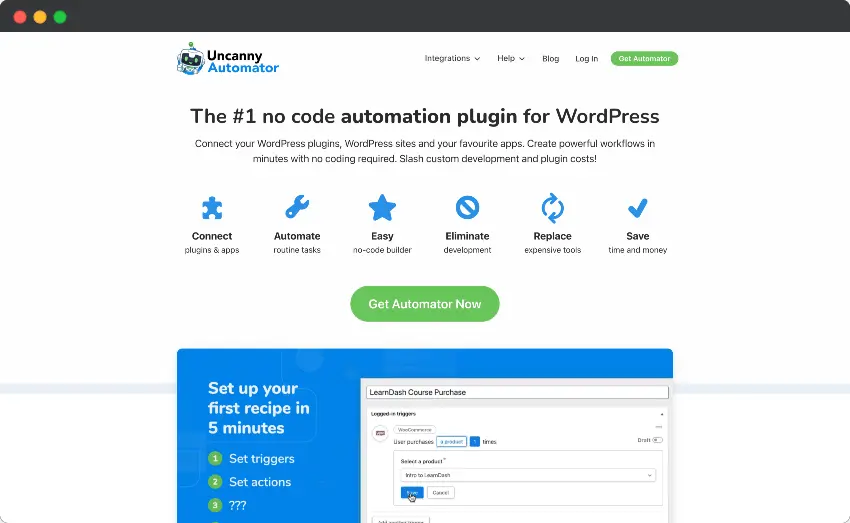
Quick Verdict: Which Uncanny Automator Alternative Should You Choose?
- FlowMattic: best fit for high-volume, WordPress-native automation where unlimited workflow executions matter.
- AutomatorWP: best fit if you want an open-source core and a modular WordPress automation approach.
- OttoKit (formerly SureTriggers): best fit when WordPress is one part of a wider cloud automation stack.
- WP Fusion: best fit when your CRM should remain the source of truth for contacts, tags, fields, memberships, or access.
- FunnelKit Automations: best fit for WooCommerce stores focused on email, SMS, cart recovery, customer journeys, and revenue automation.
- Thrive Automator: best fit for sites already using the Thrive ecosystem or users who want a simple free starting point.
- Bit Flows: best fit for users who want a newer self-hosted visual automation builder with unlimited workflows and tasks.
- Zapier: best fit when integration breadth across SaaS apps matters more than deep WordPress-native triggers.
- AutomateWoo: best fit when the job is specifically WooCommerce retention and lifecycle marketing rather than general-purpose automation.
Uncanny Automator Alternatives Compared
| Tool | Best for | Architecture | Free option | Pricing snapshot* |
|---|---|---|---|---|
| FlowMattic | High-volume WordPress automation | WordPress-native / self-hosted | No permanent free plan | From $149/year |
| AutomatorWP | Open-source WordPress automation | WordPress-native | Yes | Free core; passes from $149/year |
| OttoKit | WordPress + cloud apps | Cloud platform + WP connector | Yes | Paid plans from $9/month billed annually |
| WP Fusion | CRM sync and access control | WordPress-native CRM bridge | Yes | Lite free; Personal from $297 |
| FunnelKit Automations | WooCommerce lifecycle marketing | WordPress-native | Limited free ecosystem options | Automations from about $99.50/year |
| Thrive Automator | Simple site and Thrive workflows | WordPress-native | Yes | Free |
| Bit Flows | Visual self-hosted automation | WordPress-native / self-hosted | Check current offer | Annual and lifetime plans available |
| Zapier | Maximum SaaS integration breadth | Cloud | Yes | Usage-based paid plans |
| AutomateWoo | WooCommerce retention automation | WordPress-native | No | $159/year |
The key point is that these are not nine identical products with different logos. Some are general workflow engines, some are cloud automation platforms, and some are specialist marketing or CRM tools. Choosing by feature count alone is usually the wrong decision.
What I Used to Compare These WordPress Automation Tools
I compared the tools using the criteria that matter once an automation moves beyond a demo: trigger and action depth, conditional logic, webhooks and API support, task limits, logging, data transformation, WordPress plugin coverage, external app coverage, WooCommerce usefulness, maintainability, and the way pricing scales when workflow volume grows.
My rule is simple: choose the architecture first, then compare features. A cloud-first platform can have thousands of apps and still be the wrong choice for a workflow that continuously moves data between WordPress plugins. A self-hosted plugin can be excellent inside WordPress and still be the wrong tool if 90% of your workflow lives in external SaaS products.
9 Best Uncanny Automator Alternatives in 2026
1. FlowMattic — Best for High-Volume WordPress Automation
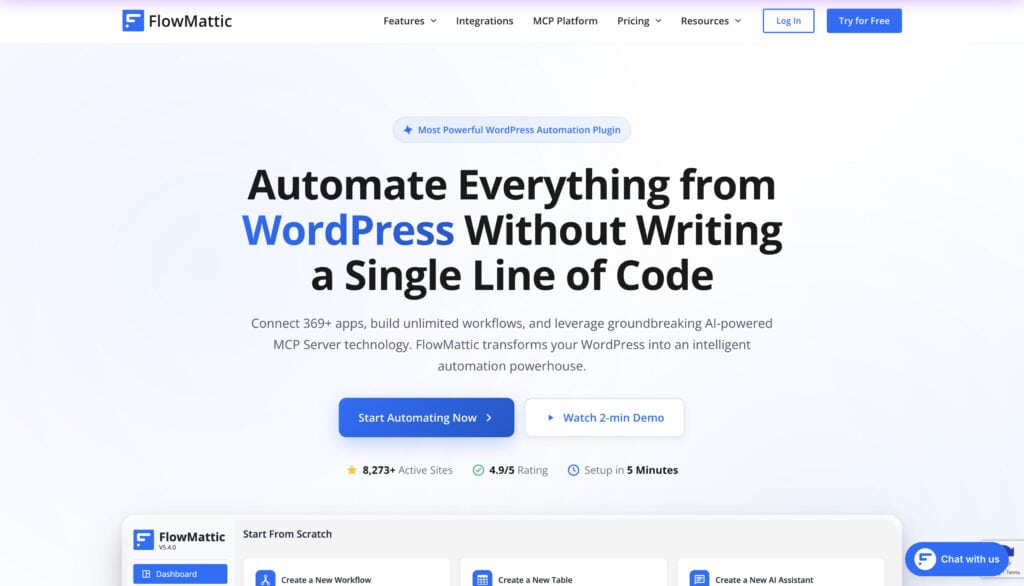
FlowMattic is the first option I would evaluate when the main goal is to keep automation close to WordPress while avoiding per-task billing. Its current pricing page lists unlimited workflows and unlimited task executions across paid plans, with the plan primarily changing by the number of sites.
That matters more than it sounds. A workflow that sends a lead to a CRM, formats fields, branches by lead type, updates a table, calls an API, and sends a notification can generate a lot of billable tasks on cloud platforms. With a self-hosted model, the cost equation is different.
- Why choose it: visual workflows, webhooks, API requests, routers, filters, formatters, parsers, custom apps, AI features, MCP capabilities, and broad WordPress/SaaS connectivity.
- Best for: agencies, ecommerce businesses, lead-routing systems, content workflows, API-heavy automations, and businesses running many executions.
- Watch out for: because execution happens on your WordPress infrastructure, poor hosting or badly designed workflows can become your responsibility too.
FlowMattic currently lists hundreds of integrations and also provides HTTP, webhook, and custom-app modules for services without a native connector. If you are comparing it directly with another newer WordPress-native tool, see my FlowMattic vs Bit Flows comparison.
Bottom line: choose FlowMattic when WordPress is the center of your automation architecture and execution volume could become expensive elsewhere.
2. AutomatorWP — Best Open-Source Alternative
AutomatorWP is one of the closest conceptual alternatives to Uncanny Automator. It runs inside WordPress, uses trigger-and-action automations, and has a free open-source core that you can download from the WordPress repository.
The modular model is its biggest strength and also the thing you need to understand before buying. You can start free, then add premium functionality or buy an access pass as requirements grow.
- Why choose it: free open-source core, WordPress-native events, modular add-ons, multi-trigger and multi-action workflows.
- Best for: WordPress power users who want control and prefer adding functionality as needed.
- Watch out for: advanced use cases can require premium add-ons, and the interface is more utilitarian than some newer visual builders.
Bottom line: if “free, WordPress-native, and extensible” is your priority, AutomatorWP deserves to be near the top of your shortlist.
3. OttoKit (Formerly SureTriggers) — Best WordPress + Cloud Hybrid
If you remember SureTriggers, the important update is that it has been rebranded as OttoKit. The product now positions itself as a cloud automation platform that connects WordPress deeply with external apps rather than as a purely WordPress-resident automation plugin.
OttoKit is a strong alternative when you want the convenience of cloud automation but still need better WordPress connectivity than a generic SaaS automation platform typically provides. Its current plans include a free tier, while paid plans add more task capacity, workspaces, WordPress connections, AI automation, MCP, agents, branches, paths, and other workflow tools.
- Why choose it: cloud execution, strong WordPress connector, large app library, AI/agent features, branches, paths, API module, and prebuilt workflows.
- Best for: businesses whose workflows frequently move between WordPress and external SaaS applications.
- Watch out for: task allowances still matter, so calculate monthly execution volume before choosing a paid tier.
Bottom line: OttoKit is a better architectural match than a self-hosted plugin when you want WordPress integration without making WordPress responsible for running the entire automation layer.
4. WP Fusion — Best for Deep CRM Synchronization
WP Fusion should not be treated as a generic “Zapier inside WordPress.” Its strongest use case is much more specific: keeping WordPress users and an external CRM synchronized.
It can sync user data, apply CRM tags, map fields, and use CRM data to control memberships, course access, personalization, and other behavior on your site. The current Lite plan is free, while paid tiers expand plugin integrations, CRM functionality, and add-ons.
- Why choose it: deep CRM connection, bi-directional sync, tag-based automation, user-field mapping, and access control.
- Best for: membership sites, LMS platforms, communities, and businesses where the CRM is the source of truth.
- Watch out for: if you mainly need generic API orchestration, social posting, file processing, or broad SaaS automation, WP Fusion is not the most direct replacement.
Bottom line: choose WP Fusion when your problem is CRM-connected WordPress, not general workflow automation.
5. FunnelKit Automations — Best for WooCommerce Marketing Automation
FunnelKit Automations is a specialist choice for WooCommerce stores. Instead of trying to automate everything, it focuses heavily on customer journeys, transactional email, broadcasts, abandoned carts, segmentation, delays, conditional branching, and revenue-focused automations.
This makes it more useful than a general automator when your actual objective is not “connect app A to app B,” but “recover carts, follow up after purchase, segment buyers, send the right message, and increase repeat revenue.”
- Why choose it: WooCommerce-native customer journeys, email/SMS follow-ups, contact profiles, analytics, delays, branching, and marketing automation.
- Best for: WooCommerce stores that want lifecycle marketing inside WordPress.
- Watch out for: it is not intended to replace a broad workflow platform for every operational automation in your business.
Bottom line: if revenue automation is the job, choose the tool designed around revenue automation.
6. Thrive Automator — Best Simple Free Option for Thrive Users
Thrive Automator is especially attractive if your site already uses Thrive products. It can react to WordPress events such as role changes, post updates, published posts, comments, form activity, and events from supported apps and plugins.
Its appeal is simplicity. You can build useful automations without turning the site into a separate integration project, and the free entry point makes it easy to test whether it covers your workflows before you invest in a larger automation stack.
- Why choose it: easy setup, free access, native WordPress triggers, and tight Thrive ecosystem integration.
- Best for: creators, course sites, lead-generation sites, and businesses already using Thrive tools.
- Watch out for: it is not as feature-dense as the strongest general-purpose workflow engines.
Bottom line: Thrive Automator is a sensible lightweight choice when your workflows are straightforward and your existing stack already fits its ecosystem.
7. Bit Flows — Best Emerging Self-Hosted Visual Builder
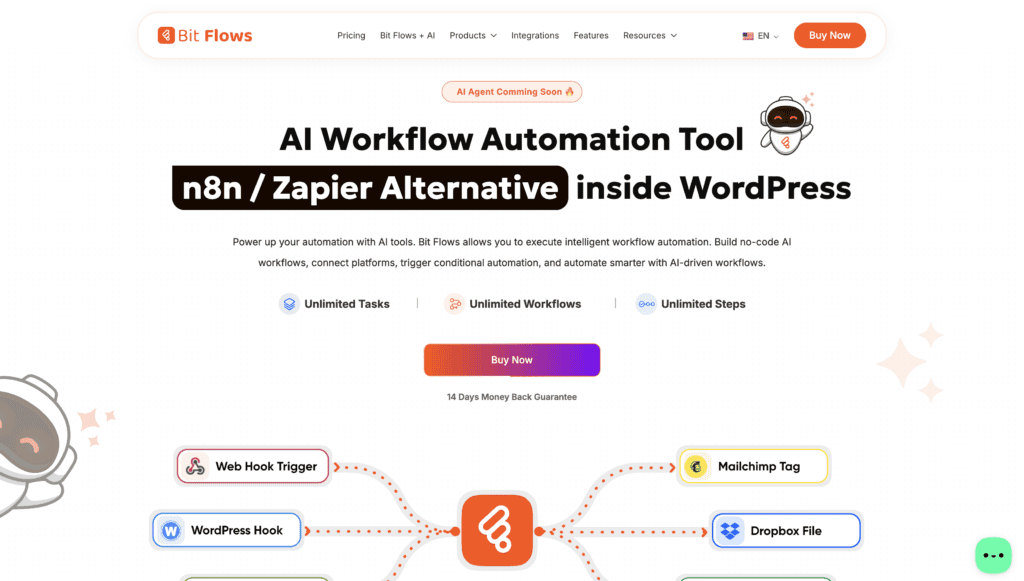
Bit Flows has matured quickly into a serious WordPress-native automation option. Its current feature set includes a visual workflow builder, multi-step workflows, unlimited workflows and tasks, incoming and outgoing webhooks, scheduling, routers, repeaters, iterators, conditional logic, API/HTTP requests, AI Agent, MCP Client, Human in the Loop, parsers, logs, and custom app capabilities.
That feature density makes it appealing for users who want a self-hosted system and do not want task-based pricing. At the same time, it is still younger than some established competitors, so I would evaluate the specific triggers and actions you need rather than relying only on the headline integration count.
- Why choose it: modern visual builder, unlimited executions, advanced workflow nodes, API tools, AI features, and annual/lifetime licensing options.
- Best for: technically curious WordPress users, agencies, and businesses comfortable adopting a newer automation platform.
- Watch out for: verify depth for your exact apps and confirm whether roadmap features you care about are already shipping.
Bottom line: Bit Flows is no longer a token “new alternative”; it is worth testing seriously against FlowMattic and AutomatorWP for self-hosted WordPress automation.
8. Zapier — Best for SaaS Integration Breadth
Zapier remains the obvious choice when the workflow is mostly outside WordPress. Its current WordPress integration page advertises connections with 9,000+ apps and 450+ AI tools, along with a free tier.
For example, if your workflow is WordPress → Airtable → Slack → HubSpot → Google Drive, the breadth of Zapier’s ecosystem can be more valuable than a deeper WordPress-only trigger library.
- Why choose it: huge app ecosystem, mature cloud infrastructure, broad templates, AI tools, and strong SaaS-to-SaaS automation.
- Best for: teams that already use many cloud applications and only need WordPress as one endpoint.
- Watch out for: task-based pricing can become expensive as workflows become high-volume or multi-step.
Bottom line: choose Zapier for breadth. Choose a WordPress-native alternative when depth and execution economics matter more.
9. AutomateWoo — Best for WooCommerce Retention Workflows
AutomateWoo is another specialist rather than a universal Uncanny Automator replacement. It is built for WooCommerce marketing workflows using triggers, rules, actions, and scheduling.
Typical use cases include abandoned-cart reminders, post-purchase follow-ups, win-back campaigns, personalized coupons, review requests, subscription reminders, and customer retention workflows. Woo currently lists the one-year plan at $159.
- Why choose it: mature WooCommerce lifecycle automation, customer tracking, rules, scheduling, coupons, and retention-focused actions.
- Best for: stores that want marketing automation tightly connected to WooCommerce data.
- Watch out for: it is not designed for broad cross-platform automation, and its external workflow capabilities are narrower than general automation platforms.
Bottom line: for WooCommerce retention, specialization can be an advantage. For company-wide automation, use a broader platform.
Uncanny Automator vs Alternatives: Choose by Use Case
| If your priority is… | Start with… | Why |
|---|---|---|
| Unlimited WordPress-side executions | FlowMattic | Self-hosted model with unlimited workflows and task executions on current plans |
| Free/open-source WordPress automation | AutomatorWP | Usable open-source core with modular upgrades |
| WordPress + many cloud apps | OttoKit | Cloud execution plus strong WordPress connectivity |
| CRM controls membership/access | WP Fusion | Purpose-built CRM synchronization layer |
| WooCommerce email and customer journeys | FunnelKit Automations | Revenue and lifecycle marketing focus |
| Simple free automations | Thrive Automator | Low-friction starting point |
| Newer self-hosted visual workflow engine | Bit Flows | Advanced nodes and unlimited execution model |
| Maximum external app coverage | Zapier | Very large SaaS integration ecosystem |
| WooCommerce retention only | AutomateWoo | Specialist triggers, rules and lifecycle actions |
How to Choose the Right Uncanny Automator Alternative
1. Map the workflow before comparing plugins
Write one real workflow from trigger to final action. Include every branch, delay, formatter, API call, and update. This immediately exposes whether you need a WordPress automation plugin, a cloud automation platform, a CRM sync layer, or a marketing automation system.
2. Check trigger-and-action depth, not just integration count
“500 integrations” is meaningless if your critical plugin has one trigger and no useful actions. Open the integration page for your exact apps and verify the events you need. This is one of the most important checks before migrating any production automation.
3. Calculate execution economics
A cheap monthly plan can become expensive when every step counts as a task. On the other hand, self-hosting moves execution cost toward your server resources and maintenance responsibility. Compare the cost at your expected monthly volume, not at the first 100 tasks.
4. Decide where sensitive data should live
Self-hosted automation can keep more workflow data inside your WordPress environment, while cloud platforms process workflow data on their infrastructure. Neither architecture is automatically safer: permissions, logging, credential storage, updates, backups, and access control matter more than marketing labels.
5. Test failure handling before you migrate
Successful demo runs are easy. Production reliability depends on logs, retries, error visibility, webhook behavior, duplicate prevention, and what happens when an API is temporarily unavailable. Build one failure case deliberately before moving a business-critical workflow.
If you are designing broader WordPress integrations, my guide to WordPress integration services covers additional tools and approaches. For AI-connected automation, see the WordPress MCP Server guide.
Migration Checklist: Moving Away from Uncanny Automator
- Export or document every existing recipe, including triggers, conditions, tokens, delays, and actions.
- List all credentials, API keys, webhook URLs, user roles, custom fields, and third-party dependencies.
- Rebuild one low-risk workflow in the new tool first.
- Run the old and new workflow in parallel with test data where possible.
- Check for duplicated emails, orders, CRM updates, tags, or webhook calls.
- Verify logs and error handling under a failed API call.
- Move production workflows in small batches rather than all at once.
- Keep the old recipes disabled but documented until the replacement has run reliably.
This migration discipline matters more than the plugin you choose. Most automation failures happen at the handoff points—field mapping, authentication, duplicated events, timing, and assumptions about what a trigger actually returns.
Frequently Asked Questions
What is the best Uncanny Automator alternative in 2026?
There is no single best option for every site. FlowMattic is a strong choice for high-volume WordPress-native automation, AutomatorWP is excellent for an open-source approach, and OttoKit is better when workflows span WordPress and many cloud apps. WP Fusion and FunnelKit Automations are stronger for specialized CRM or WooCommerce use cases.
Is there a free alternative to Uncanny Automator?
Yes. AutomatorWP has a free open-source core, OttoKit has a free tier, WP Fusion offers a Lite version, Thrive Automator can be used as a free WordPress automation option, and Zapier also provides a limited free tier for cloud automation.
Which Uncanny Automator alternative is best for WooCommerce?
For broad WooCommerce plus WordPress workflows, FlowMattic or AutomatorWP are worth evaluating. For customer journeys, email, SMS, abandoned carts and retention, FunnelKit Automations is more specialized. AutomateWoo is another focused option for WooCommerce lifecycle marketing.
Is FlowMattic better than Uncanny Automator?
FlowMattic can be a better fit when you want a self-hosted visual workflow platform with unlimited workflow executions on current paid plans and advanced tools such as routers, parsers, API requests and custom apps. Uncanny Automator remains a strong WordPress-native product with deep plugin integrations and its own AI assistant, so the better choice depends on your workflows.
What happened to SureTriggers?
SureTriggers was rebranded as OttoKit. Existing users kept the same core platform, while the product expanded its positioning around cloud automation, WordPress integrations and AI-powered workflow features.
Is Zapier a good replacement for Uncanny Automator?
Zapier is a good replacement when most of your automation connects cloud applications and WordPress is only one part of the workflow. If the majority of triggers and actions happen inside WordPress plugins, a WordPress-native automation plugin is usually a more direct fit.
Which WordPress automation plugin has unlimited tasks?
FlowMattic currently advertises unlimited workflows and unlimited task executions across its paid plans. Bit Flows also advertises unlimited workflows and tasks. Always verify current plan terms before buying because vendors can change pricing and usage policies.
Final Recommendation
The best Uncanny Automator alternative is the one that matches the architecture of your real workflows.
If I were building a WordPress-centered automation stack with frequent executions, I would start by testing FlowMattic and AutomatorWP. If the automation layer needs to live in the cloud, I would compare OttoKit with Zapier. For CRM-controlled access, I would use WP Fusion. For WooCommerce lifecycle marketing, I would evaluate FunnelKit Automations before forcing a general automation tool to behave like a marketing platform.
Do not migrate because another plugin has a longer feature list. Migrate when it gives you a better combination of workflow depth, reliability, execution cost, maintainability, and control for the automations you actually run.