

Key Highlights
Introduction
For years, WP Rocket has been a go-to optimization plugin for boosting WordPress website speed.
However, with recent price hikes and the removal of their popular unlimited sites plan, many users are now searching for more cost-effective options.
If you find yourself in this position, you’re in the right place.
An effective caching plugin is crucial for web performance, but it doesn’t have to break the bank.
This article will guide you through the top 10 affordable WP Rocket alternatives to help you maintain a fast WordPress website without the high cost.
Top 10 Affordable WP Rocket Alternatives for WordPress Users in 2026
Finding the best WP Rocket alternative depends entirely on your specific needs, technical skills, and budget.
Some WordPress users may prioritize an all-in-one optimization plugin that handles everything automatically, while others might prefer a free, lightweight caching plugin that focuses on one core function.
The following list provides a detailed look at the leading contenders in 2026.
From powerful premium tools that deliver dramatic speed improvements to robust free options that offer fantastic value, you are sure to find a WordPress plugin that perfectly suits your requirements.
We will explore the features, pricing, and unique benefits of each option.
NitroPack
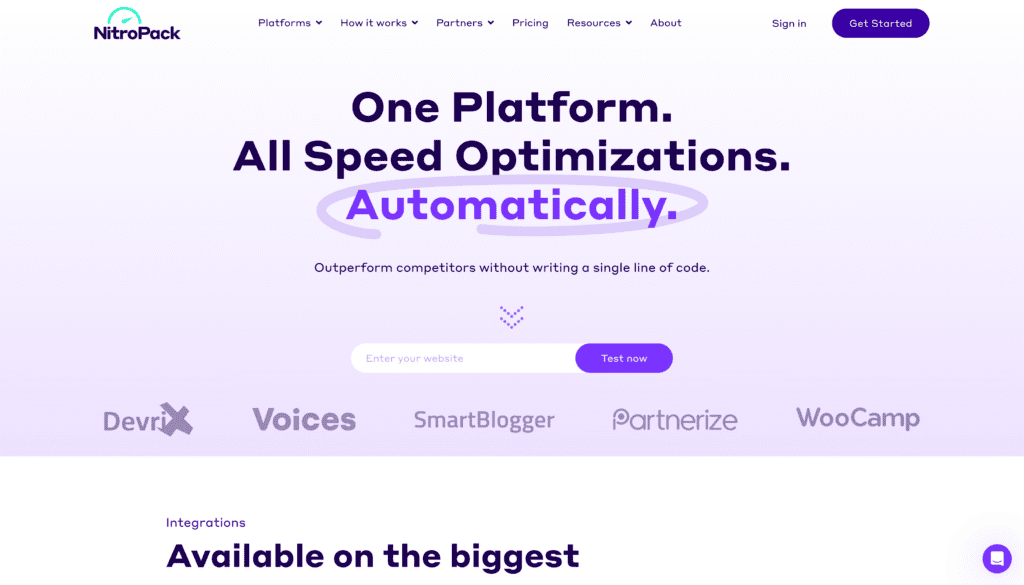
NitroPack stands out as a true all-in-one performance optimization platform.
It’s designed as a “set it and forget it” solution, automatically applying a wide range of enhancements right out of the box.
This makes it an excellent choice if you want significant performance gains without getting bogged down in technical configurations.
Its ability to handle bloated themes and resource-heavy page builders is particularly impressive, often resulting in dramatic improvements to your Core Web Vitals.
Unlike many competitors, NitroPack includes a complete image optimization stack.
It manages both lossy and lossless image compression, converts images to WebP format, and implements advanced lazy loading that even works on background images.
It also comes with a built-in global content delivery network (CDN), a feature that often requires a separate purchase with other plugins.
These premium features consolidate multiple tools into one powerful package.
While NitroPack is more expensive than WP Rocket, it offers a limited free plan for sites with up to 5,000 monthly page views, making it a viable free alternative for smaller websites.
For those who can afford the premium version, the comprehensive feature set and remarkable web performance gains deliver exceptional value.
Pros
- It is a true “set it and forget it” solution.
- Perfect for users who don’t want to deal with complex solutions.
- It includes built in global CDN and comprehensive image optimization stack.
- It consistently produces some of the highest page speed scores and best Core Web Vitals improvements on the market.
Cons
- Pricing is significantly higher than WP Rocket.
- Free plan comes with a lot of restrictions.
FlyingPress
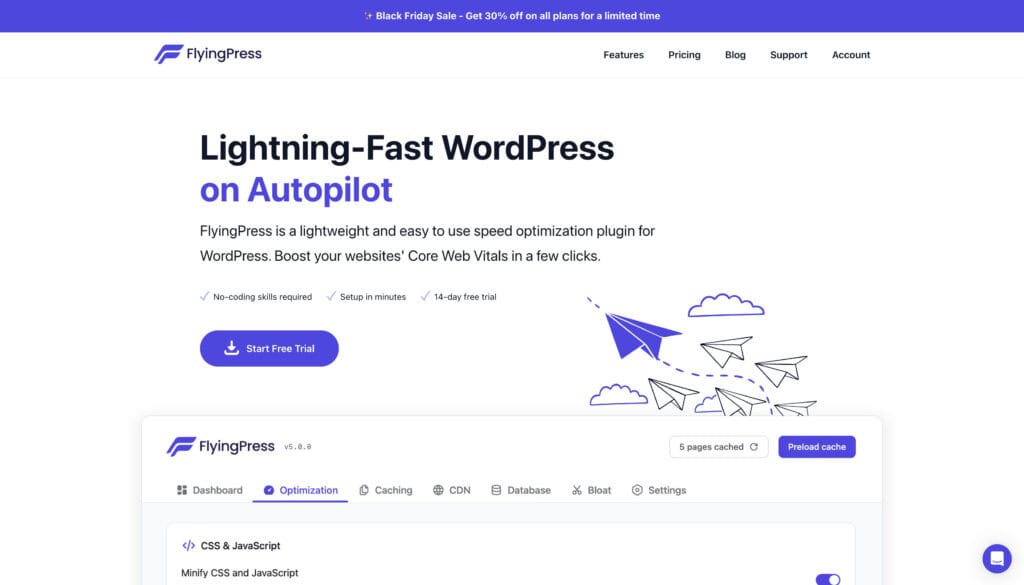
FlyingPress is a formidable optimization plugin that provides a lightweight yet powerful suite of tools to boost your website’s speed.
As an all-in-one solution, it aims to deliver everything you need for a faster WordPress site in a single, easy-to-use package.
After a simple setup process, FlyingPress automatically applies numerous optimizations, including advanced page caching, code minification, and database optimization.
One of the key strengths of this caching plugin is its focus on improving Core Web Vitals.
It removes unused CSS, defers non-critical scripts, and provides excellent Google Fonts optimization to enhance your PageSpeed Insights score.
FlyingPress also preloads links in the viewport and lazy loads images to reduce the initial page weight, ensuring your content loads swiftly for visitors.
Although it is a premium-only plugin, its pricing is competitive.
It’s important to note that its CDN support and image compression features are available through a paid add-on called FlyingCDN.
If you need a comprehensive suite that combines speed with user experience enhancements like reduced layout shifts, FlyingPress is a fantastic choice.
Pros
- It’s very easy to setup and configure.
- Perfect for users who don’t want to deal with complex solutions.
- It offers option to configure CDN.
- It includes stats of Core Web Vitals.
Cons
- Preload cache is not better than WP Rocket.
- Doesn’t have enough action hooks in comparison with WP Rocket
WP-Optimize
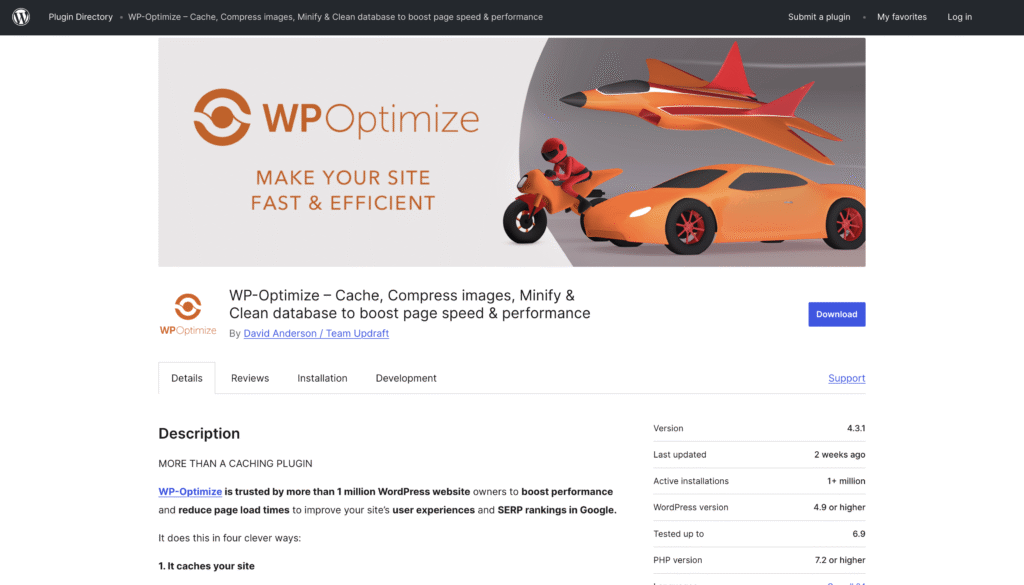
If you’re looking for a feature-rich and free WP Rocket alternative, WP-Optimize should be at the top of your list.
This popular optimization plugin bundles caching, database cleanup, and image compression into one convenient package.
The free version of the plugin alone provides many of the critical features found in premium tools, making it an outstanding value for any WordPress website owner.
WP-Optimize is particularly well-known for its powerful database optimization capabilities.
It can clean up unnecessary data like post revisions, spam comments, and transients, which can significantly slim down your WordPress database and improve overall site responsiveness.
In addition, its built-in image compression tool can handle bulk optimization and even supports lossless image compression, a feature WP Rocket itself lacks.
Choosing the right caching plugin often comes down to balancing features with cost.
WP-Optimize excels here by offering a robust free version that covers all the essentials.
For those needing more advanced functionality like lazy loading or multisite support, the premium version provides even more power without a hefty price tag.
W3 Total Cache
W3 Total Cache is a highly powerful and flexible free plugin designed for users who want granular control over their site’s performance.
It offers an extensive array of advanced settings that are not available in many other caching plugins, allowing you to fine-tune nearly every aspect of your site’s caching and file optimization.
This includes detailed configurations for page cache, object cache, and browser cache.
This tool gives you deep control over the minification of CSS files and JavaScript files, helping you improve your Core Web Vitals scores.
With integrated CDN support, W3 Total Cache ensures your static assets are delivered quickly to users around the globe.
Its developer-friendly nature makes it a solid choice for those who have the technical knowledge to leverage its full potential.
However, the complexity of W3 Total Cache can also be its biggest drawback.
The sheer number of options can be overwhelming for beginners, and incorrect configuration can potentially break your site.
If you are a tech-savvy user comfortable with advanced settings, this free plugin offers a level of control that is hard to match, making it a very effective tool for web performance.
Cache Enabler
The Cache Enabler plugin is a fantastic choice if you need a simple, no-fuss caching solution.
It is incredibly lightweight and designed to work right out of the box with minimal configuration.
This plugin focuses on doing one thing well: creating static HTML files of your pages to serve them to visitors much faster, reducing server load and database queries in the process.
While it is a powerful caching plugin, Cache Enabler is not an all-in-one optimization tool.
It lacks advanced features like image optimization or tools for deferring JavaScript, so it won’t single-handedly resolve all your PageSpeed Insights warnings.
However, it does include options for minifying HTML and gives you control over cache clearing, which can be done manually or automatically.
For those seeking a simple and free alternative to WP Rocket for basic caching, Cache Enabler is an excellent option.
It avoids compatibility issues by keeping its feature set lean and focused.
You can pair it with another plugin like Autoptimize to handle file optimization for a more comprehensive approach to improving website speed.
Autoptimize
Autoptimize is a unique alternative because it is not primarily a caching plugin.
Instead, it specializes in front-end optimization, excelling at aggregating, minifying, and caching scripts and styles.
If your site speed issues are related to render-blocking CSS and JavaScript, Autoptimize is one of the best tools available.
It can significantly reduce your page load time by streamlining how these files are handled.
This plugin offers specific fixes for common Core Web Vitals problems, such as optimizing the delivery of Google Fonts and deferring aggregated CSS.
Its ability to move scripts to the footer further improves the user’s perception of site speed.
The best part is that Autoptimize has excellent synergy with many caching plugins, including WP Rocket.
When activated together, WP Rocket automatically disables its own minification to prevent conflicts.
Because it focuses solely on file optimization, Autoptimize works best when used alongside a dedicated caching plugin.
Combining it with a tool like Cache Enabler or WP Super Cache can create a powerful, free optimization setup.
This approach is a great tip for maximizing your WordPress website speed without investing in a premium solution.
WP Fastest Cache
WP Fastest Cache presents itself as a direct competitor to WP Rocket, offering a similar feature set with both free and premium versions.
Its main appeal is its simple setup and ease of use, allowing you to get a fast website with minimal effort.
The free version provides essential features like page caching, preloading, GZIP compression, and minification for CSS files.
Upgrading to the premium version unlocks a wider range of tools, including minification for JavaScript, image compression, and Google Fonts optimization.
This makes the paid version a more complete cache plugin solution.
The plugin uses the Mod_Rewrite method to create static HTML files, which is one of the fastest ways to serve cached content.
However, one notable downside is its user interface, which feels outdated and less intuitive compared to more modern plugins like WP Rocket or NitroPack.
Despite this, WP Fastest Cache remains a solid choice, especially for users looking for a free alternative to WP Rocket that is easy to configure and delivers reliable results.
WP Super Cache
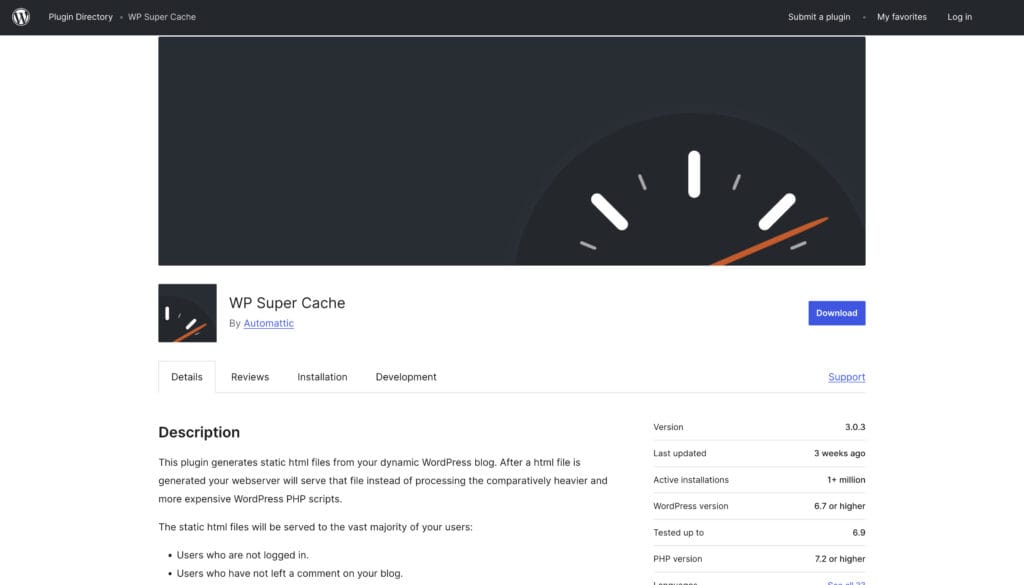
Developed by Automattic, the company behind WordPress.com, WP Super Cache is one of the most popular and trusted caching plugins available.
This free plugin is installed on millions of websites and is known for its reliability and effectiveness in reducing load times.
It works by generating static HTML files from your dynamic WordPress blog, serving them to visitors instead of the heavier PHP scripts.
A unique aspect of WP Super Cache is that it offers three different caching modes.
The “Simple” mode is recommended for most users as it’s easy to set up and safe.
The “Expert” mode offers the fastest performance by completely bypassing PHP, but it requires modifying your .htaccess file and is best left to experienced developers.
This flexibility allows users to choose the right balance between performance and ease of use.
While this cache plugin is excellent for caching, it does not offer additional features like image optimization or database cleaning.
As such, it is not an all-in-one solution.
However, for users who need a powerful, reliable, and free plugin specifically for caching to improve user experience, WP Super Cache is a top-tier choice.
LiteSpeed Cache
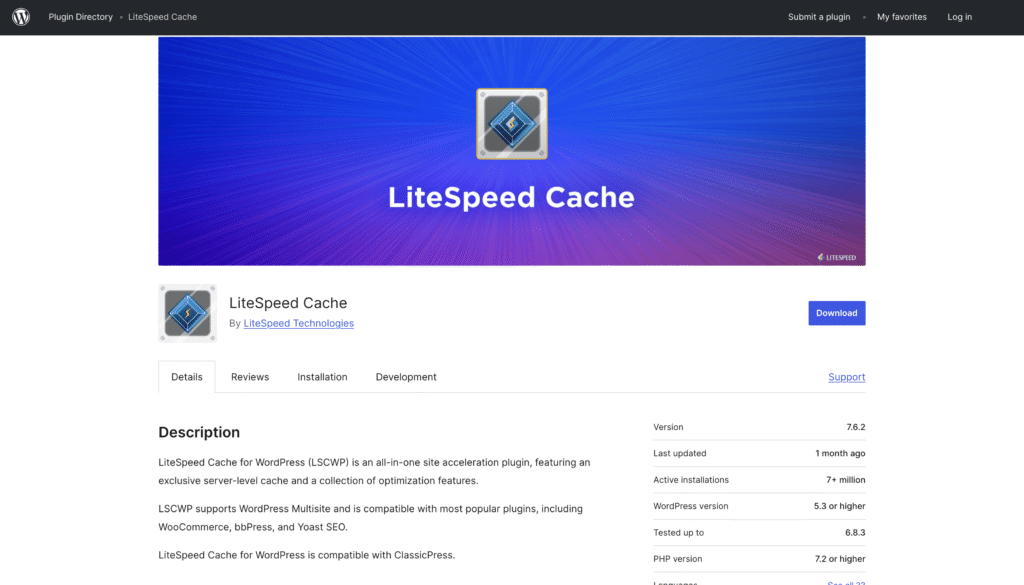
LiteSpeed Cache is an all-in-one optimization plugin that offers exceptional performance, but with a specific condition: its most powerful features are unlocked when your site is hosted on a LiteSpeed web server.
When used in this environment, the plugin provides superior server-level integration that can dramatically improve web performance.
This includes automatic page caching and private caches for logged-in users.
Even without a LiteSpeed server, the plugin offers a robust set of general optimization features for free.
These include database optimization, CSS and JS minification, and even image optimization capabilities like lazy loading and WebP conversion.
You can also connect it to QUIC.cloud, a service that provides a CDN and other online optimizations, though the setup process can be complex for average users.
Many users wonder if WP Rocket alternatives offer image optimization and lazy loading, and LiteSpeed Cache is a prime example of one that does.
If your hosting provider uses a LiteSpeed server, this plugin is arguably the best option available.
For others, it remains a very capable free tool, but you won’t be able to leverage its full potential.
Breeze

Breeze is a free and user-friendly WordPress plugin developed by the team at Cloudways.
It was designed to be a simple yet effective caching solution that integrates seamlessly with their hosting platform, but it works well on any hosting environment.
Its interface is clean and modern, making it an approachable option for beginners who might find other plugins overwhelming.
The plugin provides essential optimization features, including internal and static caching, GZIP compression, and database optimization.
It also supports the minification and grouping of HTML, CSS, and JavaScript files to help reduce the size of your web pages.
Furthermore, Breeze offers native support for Varnish cache and includes easy integration with any CDN service.
While Breeze is a solid and efficient caching tool, its performance doesn’t quite reach the level of top-tier plugins like WP Rocket or NitroPack.
However, if you are a Cloudways user, its seamless integration makes it a natural choice.
For others, it serves as a good free alternative that covers the basics of web performance optimization effectively.
Key Features to Consider When Choosing a WP Rocket Alternative
Selecting the right WP Rocket alternative involves more than just picking a name from a list.
You need to evaluate which key features will make the biggest impact on your website’s performance and align with your technical comfort level.
A plugin that is perfect for a developer might be overly complex for a small business owner.
Key considerations include the plugin’s effect on website speed, its ease of use, and compatibility with your existing setup.
You should also look at advanced functionalities like image optimization, database optimization, and CDN support.
The following sections break down these critical features to help you make an informed decision and enhance your user experience.
Website Speed and Performance Improvements
The primary reason to use an optimization plugin is to improve your website speed and overall web performance.
A faster site not only provides a better experience for your visitors but also positively impacts your search engine rankings.
When evaluating alternatives, focus on how they affect key metrics like your Core Web Vitals and final page load time.
You can measure these using tools like Google PageSpeed Insights.
A good optimization plugin should offer a suite of features designed to tackle the most common performance bottlenecks.
These features work together to reduce server response times, decrease the size of your web pages, and render content more quickly in the user’s browser.
Here are some tips for maximizing WordPress website speed with caching plugins by looking for these features:
- Page Caching: Creates static HTML versions of your pages to serve them instantly.
- File Minification: Reduces the size of CSS, JavaScript, and HTML files by removing unnecessary characters.
- GZIP Compression: Compresses files on the server before sending them to the browser.
- Critical CSS Generation: Prioritizes loading the CSS needed to display above-the-fold content first.
Ease of Use and Setup Process
The user experience of a plugin is just as important as its features.
A powerful cache plugin with a confusing interface or a complicated plugin setup process can lead to frustration and misconfiguration.
Some plugins are designed for a “set it and forget it” approach, while others offer granular control that requires more technical expertise.
How do you choose the right caching plugin for your WordPress website?
Start by assessing your own comfort level with technical settings.
Look for a tool with a clean, intuitive interface within the WordPress dashboard.
Clear explanations for each setting can help you understand what you are enabling and how it will affect your site.
A simple setup wizard can guide you through the initial configuration, ensuring you have the most important settings enabled from the start.
Consider these factors related to ease of use:
- Intuitive Dashboard: A well-organized settings panel that is easy to navigate.
- Guided Setup: An installation wizard that simplifies the initial configuration.
- Quality Support: Access to helpful documentation or responsive customer support if you encounter issues with extra features.
Compatibility With Hosting Providers
Compatibility issues can quickly turn a great plugin into a major headache.
Before committing to a WP Rocket alternative, it’s crucial to ensure it works well with your hosting environment, theme, and other essential plugins.
Some caching plugins can conflict with server-level caching offered by managed WordPress hosting providers, leading to unexpected behavior or even breaking your site.
For instance, LiteSpeed Cache offers exclusive, high-performance features that only work on LiteSpeed servers.
Similarly, Breeze is optimized for the Cloudways platform.
Researching a plugin’s compatibility beforehand can save you from troubleshooting problems down the line.
Most reputable plugin developers provide information about known conflicts on their websites.
Pay attention to the following compatibility points:
- Hosting Environment: Verify that the plugin is compatible with your web hosting provider and server type (e.g., Apache, Nginx, LiteSpeed).
- Theme and Plugin Conflicts: Check for any known issues with your current theme or other critical plugins you use.
- PHP Version: Ensure the plugin supports your website’s version of PHP.
Support for Image Compression and Lazy Loading
Large, unoptimized images are one of the most common causes of slow page load times.
Many WP Rocket alternatives offer built-in image optimization features, which is a significant advantage as WP Rocket itself does not include image compression.
These features can automatically reduce the file size of your images without sacrificing visual quality, leading to faster loading web pages.
Lazy loading is another critical feature that defers the loading of images and videos until they are about to enter the user’s viewport.
This dramatically reduces the initial page weight and improves the perceived loading speed.
Some advanced plugins even apply lazy loading to background images defined in CSS files, which is a common performance bottleneck.
When asked, “Do WP Rocket alternatives offer image optimization and lazy loading?” the answer is a resounding yes for many of them.
Look for these specific image optimization features:
- Image Compression: Support for lossy or lossless compression to reduce file sizes.
- WebP Conversion: The ability to automatically convert images to the next-gen WebP format.
- Lazy Loading: Functionality to defer loading of images, iframes, and videos.
- Adaptive Sizing: Resizes images based on the visitor’s screen size.
Pricing Comparison of Leading WP Rocket Alternatives
Cost is a primary driver for seeking a WP Rocket alternative, especially after its recent pricing changes.
The market offers a wide spectrum of pricing, from completely free plugins to premium subscription models.
Understanding these differences is key to finding a solution that fits your budget while still meeting your performance goals.
This section will analyze the pricing structures of the leading alternatives.
We will compare the value offered by free versus premium versions, discuss different subscription models, and highlight license options that are particularly beneficial for users managing multiple websites.
This comparison will help you identify the most cost-effective plugin for your needs.
Free vs Paid Plugins Overview
The choice between a free plugin and a paid version often comes down to the scale of your needs and the level of support you require.
Free plugins like WP-Optimize and W3 Total Cache are excellent for getting started and can provide a significant boost to website performance on their own.
They typically cover the fundamentals like caching, GZIP compression, and basic file minification.
On the other hand, paid plugins like NitroPack and FlyingPress offer a more comprehensive, all-in-one solution.
These premium versions usually include advanced features such as a built-in CDN, automatic image optimization, advanced database queries cleanup, and dedicated customer support.
This consolidation can save you from having to purchase and manage multiple separate plugins.
For many, a free plugin is the best alternative to WP Rocket, but for businesses where every millisecond of page speed counts, investing in a paid version is often worthwhile.
The table below outlines the general differences.
| Feature | Free Plugins | Paid Plugins |
|---|---|---|
| Core Caching | Usually included and effective. | Always included, often with more advanced options like server-level caching. |
| Advanced Features | Limited or non-existent (e.g., no CDN, basic image optimization). | Comprehensive (built-in CDN, full image optimization stack, critical CSS). |
| Support | Typically limited to community forums and documentation. | Priority support from dedicated technicians. |
| Performance Impact | Good for a noticeable speed increase. | Often provides dramatic improvements and top-tier PageSpeed scores. |
Value for Money and Subscription Models
Assessing value for money goes beyond comparing upfront costs.
An expensive plugin might replace several other paid tools, ultimately saving you money and simplifying your site management.
For example, a premium version that includes a CDN, image optimization, and advanced caching could provide more value than buying each service separately.
Consider the total cost of ownership when making your decision.
Subscription models also vary widely.
Most premium plugins operate on an annual subscription basis, but some offer lifetime licenses or have renewal discounts.
FlyingPress, for instance, offers a lower renewal price after the first year.
NitroPack’s pricing is tiered based on page views and bandwidth, which can be cost-effective for lower-traffic sites.
Ultimately, the best value depends on your specific needs.
If you require top-tier page speed and hands-off management, a higher-priced all-in-one solution might be the most valuable investment.
If you are comfortable with more hands-on configuration, combining a few free or less expensive plugins could be the smarter financial choice.
Unlimited Websites and License Options
For developers, agencies, or anyone managing multiple WordPress sites, license options are a critical factor.
WP Rocket’s decision to discontinue its unlimited websites plan was a significant blow to many advanced users.
Fortunately, several alternatives offer more generous licensing, making them an attractive option for professionals.
When evaluating a paid version, look closely at the number of sites included in each pricing tier.
Some plugins may offer plans for 3, 5, or 10 sites, while others might still have an unlimited or high-volume agency plan.
This can make a huge difference in the overall cost per site.
For example, a plugin with a $199 plan for unlimited sites is far more economical for an agency than a plan that charges $49 per individual site.
Even some free plugins offer multisite support, making them a great free alternative to WP Rocket for users managing a network of sites on a budget.
Carefully reviewing the license options is essential to ensure the plugin can scale with your business without incurring prohibitive costs.
Conclusion
In conclusion, finding the right alternative to WP Rocket doesn’t have to be a daunting task.
With numerous options available, you can choose from a range of affordable plugins that cater to your specific needs, whether it’s performance optimization, ease of use, or comprehensive features.
By considering key factors like website speed, compatibility, and pricing, you’ll be well-equipped to make an informed decision.
Remember, the right caching solution can significantly enhance your WordPress site’s performance without breaking the bank.
If you’re ready to optimize your website effectively, sign up today and take the first step towards achieving faster load times and improved user experience.
Frequently Asked Questions
What is the best free alternative to WP Rocket for WordPress sites?
WP-Optimize is often considered the best free alternative due to its comprehensive feature set, which includes caching, database optimization, and image compression. For more advanced users, W3 Total Cache offers extensive control, while Cache Enabler is a great lightweight option for simple, effective caching on your WordPress site.
Do WP Rocket alternatives offer image optimization and lazy loading?
Yes, many WP Rocket alternatives offer robust image optimization and lazy loading features. NitroPack, WP-Optimize, and LiteSpeed Cache all include these functions in their core offerings. This can significantly improve web performance and is a key advantage over WP Rocket, which requires a separate plugin for image optimization.
How do I choose the right caching plugin for my WordPress website?
To choose the right caching plugin, first assess your budget and technical comfort level. Then, identify your site’s main performance issues and look for a plugin with features that address them, such as image optimization or database cleaning. Finally, check for compatibility issues with your host and theme to ensure smooth operation.
Tips for Maximizing WordPress Website Speed With Caching Plugins
To maximize website speed, combine your caching plugin with other best practices. Ensure file minification and GZIP compression are enabled. Use a plugin that offers image optimization and a CDN. Regularly clean your database and choose a high-quality hosting provider to achieve the best possible web performance and Core Web Vitals scores.
What are some key features to look for in a WP Rocket alternative?
When searching for a WP Rocket alternative, consider features such as caching capabilities, ease of use, performance optimization tools, customer support quality, pricing structures, and compatibility with various themes and plugins. These elements can greatly impact your website’s speed and overall user experience.
How do the performance and speed of WP Rocket alternatives compare to WP Rocket?
WP Rocket alternatives often offer comparable performance and speed enhancements, though results vary by plugin and website configuration. While some may excel in specific areas like caching or optimization, others may fall short. User experience plays a significant role in overall effectiveness and satisfaction.
What should I consider when choosing a caching plugin for my WordPress site?
When selecting a caching plugin for your WordPress site, consider factors such as compatibility with your theme and other plugins, speed optimization features, ease of use, support availability, pricing models, and the ability to handle multiple websites if needed.